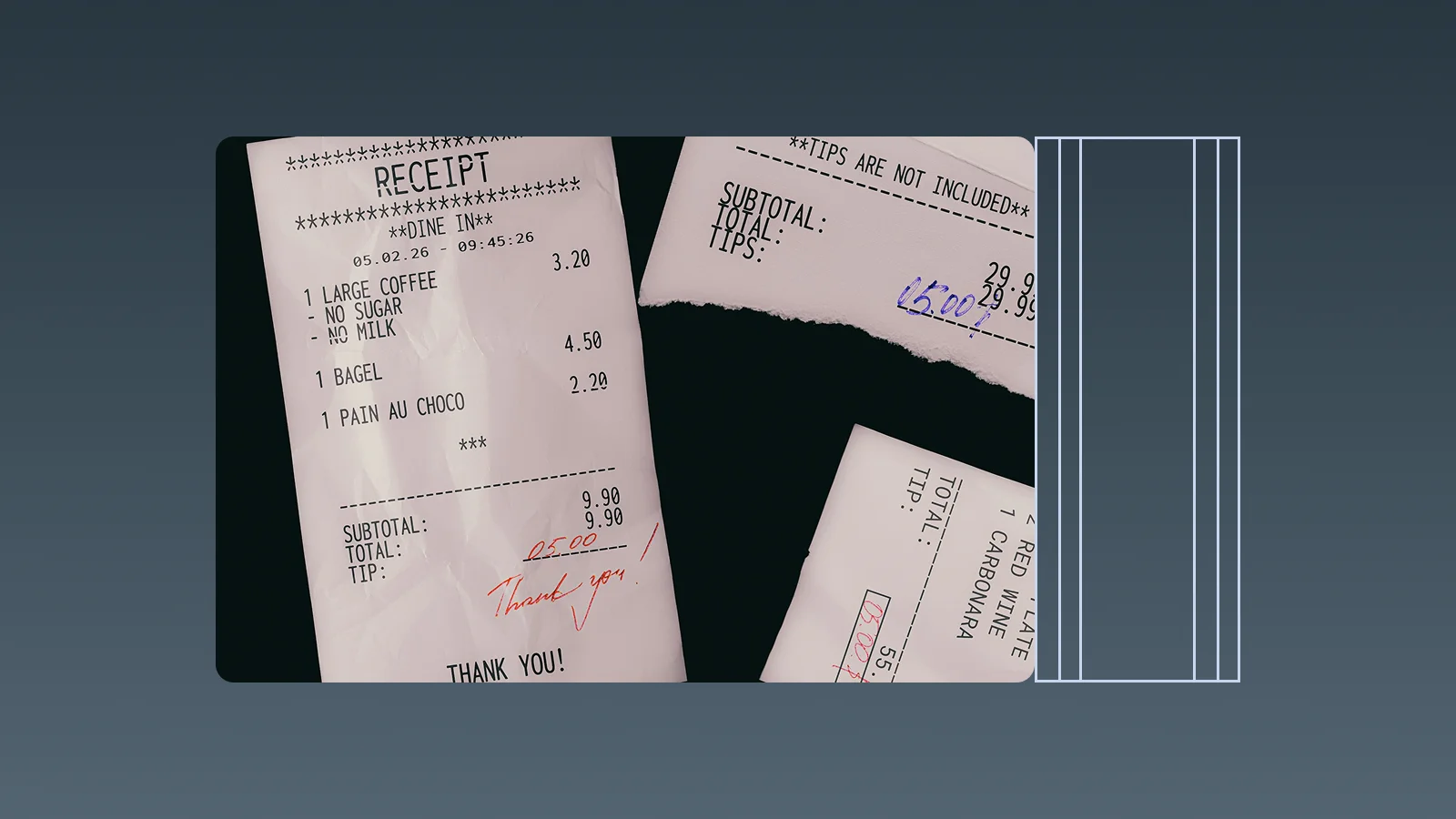
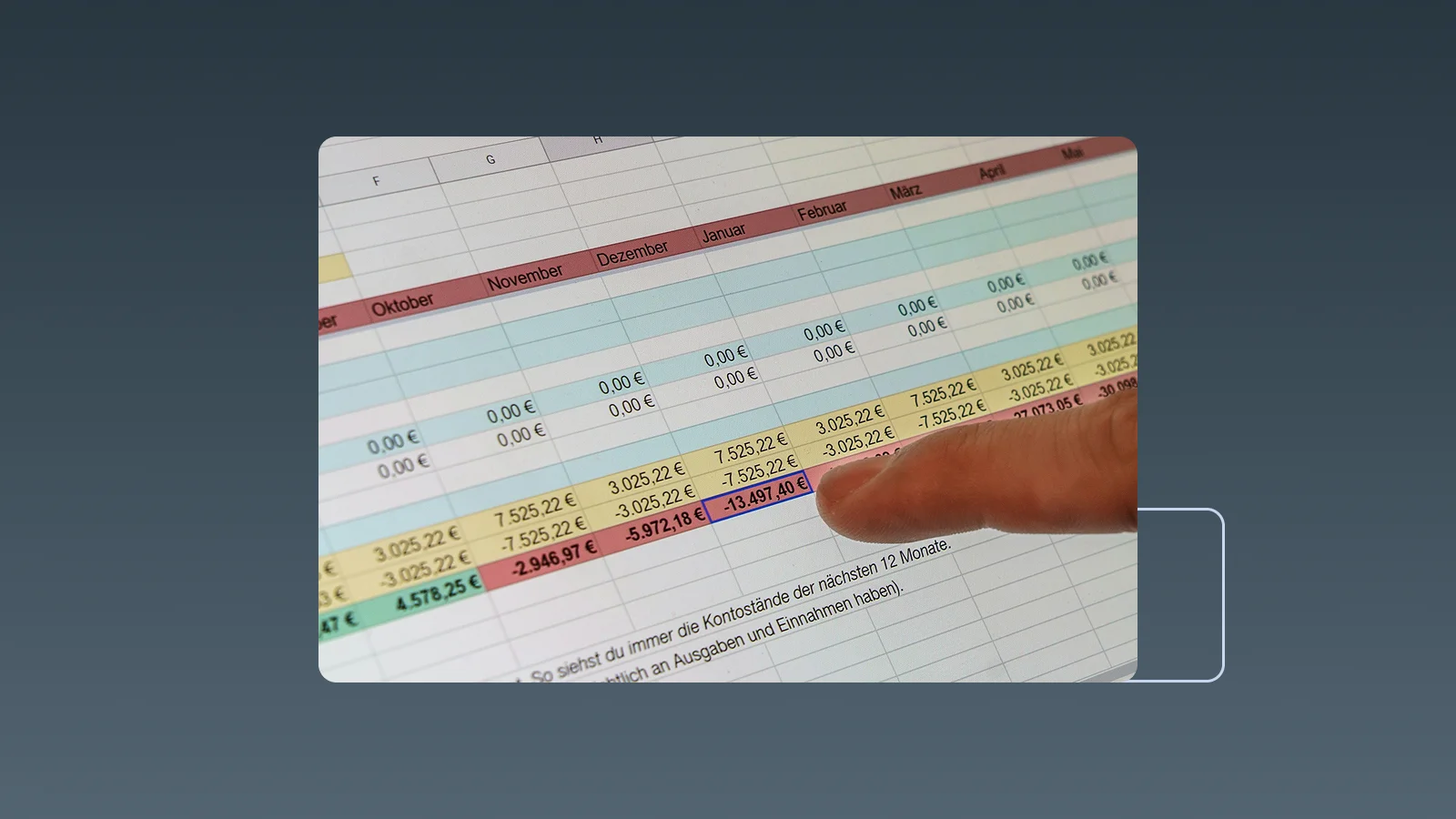
The Excel vs accounting software decision is not a contest between a bad tool and a good one. Excel is flexible, familiar, and useful for analysis. It can be entirely reasonable for a young business with simple transactions and one careful owner. The problem begins when the spreadsheet is no longer just a record; it becomes a manual operating system that staff must constantly repair, reconcile, and explain.
A business should consider switching when the cost of maintaining context in spreadsheets exceeds the cost and effort of using a structured system. That point is usually revealed by workflow friction—duplicate entry, missing receipts, delayed reports, unclear versions, and payment status that depends on one person's memory—rather than by a specific revenue or headcount threshold.
When Excel is still a sensible accounting tool
Staying with a spreadsheet can be practical when most of these conditions are true:
- transaction volume is low and categories are stable;
- one person owns data entry and review;
- invoices and supplier bills are simple and infrequent;
- the business has few bank, card, and cash accounts;
- partial payments, multiple currencies, and adjustments are rare;
- management does not require real-time receivables, payables, or cash reporting;
- formulas, backups, file naming, and month-end checks have clear owners.
Even in this stage, protect formula cells, standardize dates and categories, attach or reference source documents, and keep a controlled month-end copy. Excel stays dependable only when the operating rules around it are maintained.
The clearest signs that spreadsheets are holding the business back

Financial data is entered more than once
A customer is added to a quote, copied to an invoice, copied again to a receivables tracker, and then updated after payment. Supplier receipts are manually typed into an expense sheet. Every handoff creates another opportunity for names, dates, amounts, and statuses to disagree.
Closing the month means reconstructing what happened
If the team spends most of close chasing receipts, merging files, fixing formats, and comparing bank activity, the spreadsheet is no longer providing timely information. Management receives a historical explanation after the decisions have already been made.
Nobody is sure which file is authoritative
Files named “final,” “final-2,” and “revised” are a control problem, not a naming problem. Email attachments and local copies make it difficult to know who changed a formula, deleted a row, or included the latest store or project data.
The spreadsheet depends on one expert
Complex formulas can solve many problems, but they can also create a single point of failure. If only one person understands the links among workbooks, adding a category, month, currency, or business unit becomes risky and slow.
Receivables and payables require a manual investigation
Separate invoice, receipt, bill, and payment sheets often fail to show a reliable current status. Staff must compare documents and bank transactions to discover what is unpaid, partly paid, overdue, disputed, or already settled.
Receipts are disconnected from expenses and payment methods
The amount may be in Excel while the receipt is in a phone, inbox, or cloud folder. The payment may have left a bank account, card, cash float, or digital wallet. Without the connections, reviewers cannot quickly confirm the evidence or check the recorded expense against the account used.
More people need different levels of access
File sharing is not the same as a controlled workflow. As employees submit expenses, managers approve them, and finance reviews or reports on them, the business needs to distinguish who can create, edit, approve, export, and view information.
Every management question creates a new report-building task
Questions such as “Which expenses rose this month?”, “Which customers have not paid?”, or “What did this project cost?” should not require a new merge and pivot-table exercise every time. Delayed answers are often the strongest signal that the spreadsheet has stopped supporting decisions.
Excel vs accounting software: a practical comparison
| Decision area | Excel | Accounting or structured business software |
|---|---|---|
| Setup | Flexible and quick to customize | Requires configuration of records, rules, and users |
| Data entry | Usually manual or based on custom imports | Can support document capture and connected workflows |
| Invoicing and bills | Templates and trackers must be maintained | Records can share customers, suppliers, statuses, and payments |
| Reconciliation | Formulas and manual comparison | Structured transaction and account workflows |
| Collaboration | File and sheet sharing | Role-based access and defined workflow ownership |
| Change history | Depends on file controls and platform history | Often provides structured activity or audit records |
| Reporting | Highly flexible after the data is prepared | Repeatable reports from structured records |
| Cost | Low software cost; staff time is easy to overlook | Subscription and implementation cost; less repetitive work |
Accounting software is not automatically better at every task. Excel often remains the better place for ad hoc modelling, scenario analysis, and custom calculations. The upgrade decision is about where the source records and recurring workflows should live—not whether spreadsheets must disappear completely.
Calculate the real cost of spreadsheet accounting
Do not compare a software subscription with a zero-cost spreadsheet. Measure one month of time spent on:
- retyping information from receipts, invoices, and bank records;
- finding missing documents and asking staff for context;
- merging versions and repairing formulas;
- matching quotes, invoices, receipts, bills, and payments;
- producing recurring or ad hoc management reports;
- correcting duplicate entries, missed follow-ups, and payment errors.
Add the business effect of late collections, missed due dates, unclear cash commitments, and decisions made from stale information. If the avoidable labor and risk regularly exceed the software cost, the business has a financial reason to switch even if the transaction count still appears modest.
Decide what type of system the business actually needs
Moving beyond Excel does not always mean implementing a complex ERP.
A focused bookkeeping or operations tool may be enough when the main problems are receipt capture, expense categorization, payment context, quoting, invoicing, and day-to-day cash visibility. A fuller accounting system becomes more important when the business needs a formal general ledger, double-entry bookkeeping, balance-sheet reporting, complex inventory, multi-entity consolidation, or advanced financial controls.
Write down the outputs the business must produce and the recurring questions it must answer. Then choose the smallest system that can manage those workflows reliably while leaving room for expected growth.
Use a readiness scorecard before switching
Give one point for every statement that is true:
- the same financial data is entered into two or more files;
- month-end requires repeated document chasing;
- staff regularly work from different file versions;
- receipts are not consistently linked to recorded expenses;
- unpaid customer invoices or supplier bills are difficult to confirm;
- multiple people need different edit or approval rights;
- payment methods and accounts are missing from expense records;
- management reports are delayed by manual preparation;
- one person is the only one who understands the spreadsheet logic;
- errors or omissions have already caused rework or a missed action.
The score is not an accounting rule. It is a conversation tool. One high-risk problem—such as unreliable payment records—may justify action before several lower-risk problems appear. A rising score shows that the spreadsheet's apparent simplicity is being maintained by hidden labor.
Test the change without turning it into a full migration project
Choose one recurring workflow and one complete month. Good starting points include supplier receipts and payment methods, customer quotes and invoices, or one category of operating expenses.
Define the result before the trial: less re-entry, fewer missing documents, faster review, or quicker answers to management questions. Compare the time and error rate with the existing spreadsheet process. If the structured workflow is reliable, expand it gradually.
Field mapping, historical imports, opening balances, cutover dates, parallel accounting records, and go-live reconciliation belong in a separate accounting-software migration plan. The decision-stage test should prove value without prematurely replacing the official books.
InstantFlow: move recurring finance work beyond disconnected spreadsheets
InstantFlow is an AI-native, ERP-like SaaS and complete operations back office, including accounting software. It helps small businesses replace repeated spreadsheet handoffs with connected records for receipts, expenses, quotes, invoices, and payment context.
For expense work, InstantFlow can extract recognizable fields such as supplier, date, amount, currency, and line details from uploaded receipts and invoices, then suggest categories for review. Teams can retain the payment method, making it easier to check bank transfers, cards, cash, and other channels without maintaining a separate payment spreadsheet.
Genie, InstantFlow's AI business agent, lets a manager ask, “Which expense category increased this month?”, “Which documents still need categorization?”, “Which expenses have no payment method?”, or “How much did we record for this supplier?” Instead of building another pivot table, the user can query the operating data directly, like having a full-time finance team member ready to find the relevant records.
If Excel is also being used for sales documents, Genie can generate a quote or invoice from a prompt via the invoice and quote tools, change terms through a prompt, and convert an accepted quote into an invoice with one click. When an item price is updated in InstantFlow, new documents use the latest price without editing every quotation or invoice template; previously issued or accepted documents retain their existing version for traceability.
Start with the spreadsheet that creates the most repetitive work. Run the InstantFlow workflow for a month, review the captured data and payment context, and test the questions the business asks most often. Expand only after the result is clearer and faster than the old process.
Frequently asked questions
How many transactions justify switching from Excel to accounting software?
There is no universal transaction threshold. Consider how many times each transaction is re-entered, how many people touch it, how long close takes, and how often the business cannot answer a payment or cash question. A small volume can still justify software if the workflow is fragmented or risky.
Can better spreadsheet formulas delay the need for accounting software?
Yes, when the main problem is inconsistent fields or basic calculations. Data validation, protected formulas, and stronger templates can extend Excel's useful life. They do not solve disconnected source documents, repeated entry across workflows, role-based approvals, or real-time status questions.
Is cloud accounting software always better than Excel?
No. Cloud software is more useful when structured records, shared workflows, repeatable reporting, permissions, and integrations matter. Excel can remain better for flexible modelling and one-off analysis. Many businesses use accounting software as the source of record and Excel as an analysis tool.
Should a business keep using Excel after switching?
It can. Keep controlled historical files for reference and use Excel for modelling or analysis where it adds value. Avoid maintaining a second unofficial set of live transactions unless the parallel process has a defined purpose, owner, and end date.
How does InstantFlow change the daily work compared with Excel?
Excel relies on users to design fields, enter information, connect files, and build reports. InstantFlow can turn receipts and invoices into reviewable expense data, suggest categories, retain payment methods, connect quotes to invoices, and let teams query Genie directly. A business can test one high-effort spreadsheet workflow before expanding the change.
Conclusion
Excel remains valuable, but it should not require a growing web of files, formulas, and reminders to keep routine accounting work together. The right time to switch is when repeated entry, missing evidence, uncertain versions, manual payment tracking, or delayed reporting starts costing more than a structured workflow.
Identify the spreadsheet that consumes the most time, define a measurable improvement, and test one process before making a wider change. Related guides include business expense tracking and accounting software migration. InstantFlow can be that first operational step beyond disconnected spreadsheets, bringing document capture, expense records, payment context, quotes, invoices, and Genie queries into one place while the business decides how far its accounting system needs to evolve.

Michael Tang · Digital Content Manager
Focused on digital content, AI tools and enterprise technology trends, researching and distilling practical information that turns complex technology and AI applications into clear, accessible content for business owners and professionals.